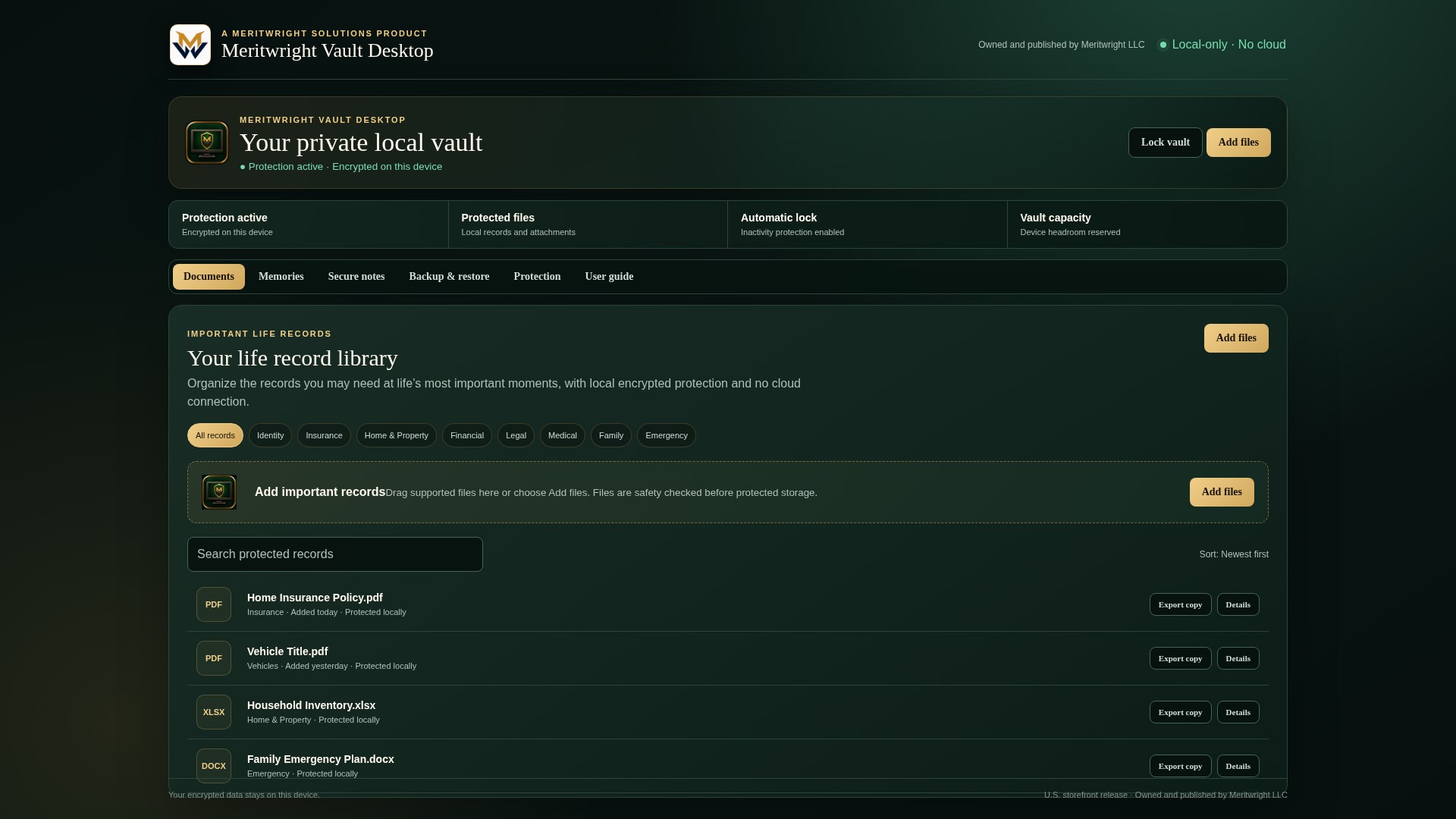
A Place for What Matters
Organize important records into familiar areas such as home, insurance, finances, medical, legal, education, and family.

Meritwright Solutions · Available
Meritwright Vault Desktop
Organize important records, photos, videos, and private notes in an encrypted workspace on your Windows PC or Mac. Vault Desktop works alongside your storage and backup tools, with no built-in cloud storage or automatic synchronization.

Your computer
Your records
Your organization
Your control
Everyday organization without unnecessary complexity
Vault Desktop is built around familiar areas of life so you can spend less time searching and more time handling what matters. It adds focused organization alongside your preferred storage and backup services without automatically connecting to them.
Organize important records into familiar areas such as home, insurance, finances, medical, legal, education, and family.
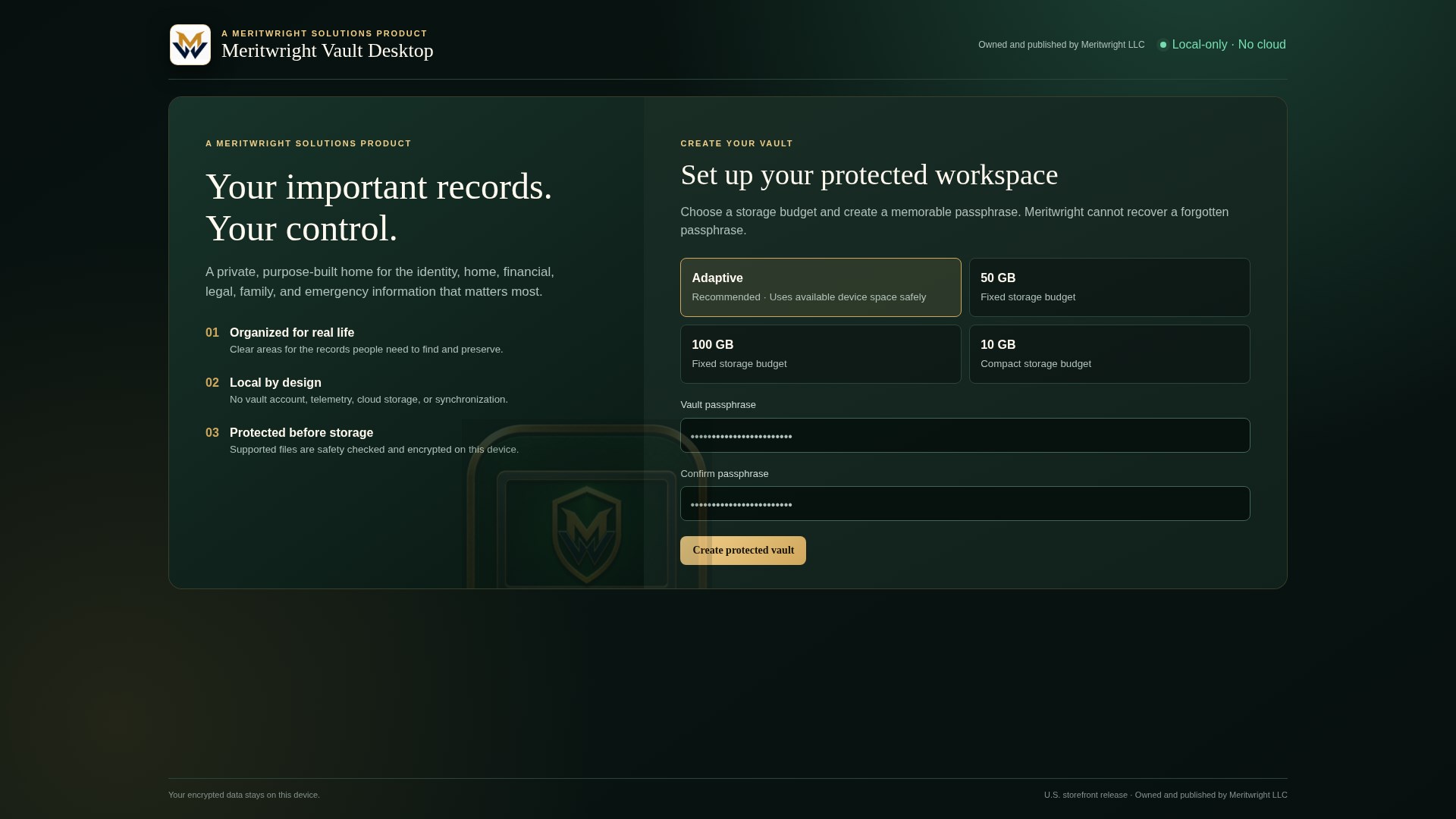
Keep active vault contents on your computer without a vault account, built-in cloud storage, tracking, advertising, or synchronization. Exported encrypted backup packages are separate files saved where you choose.
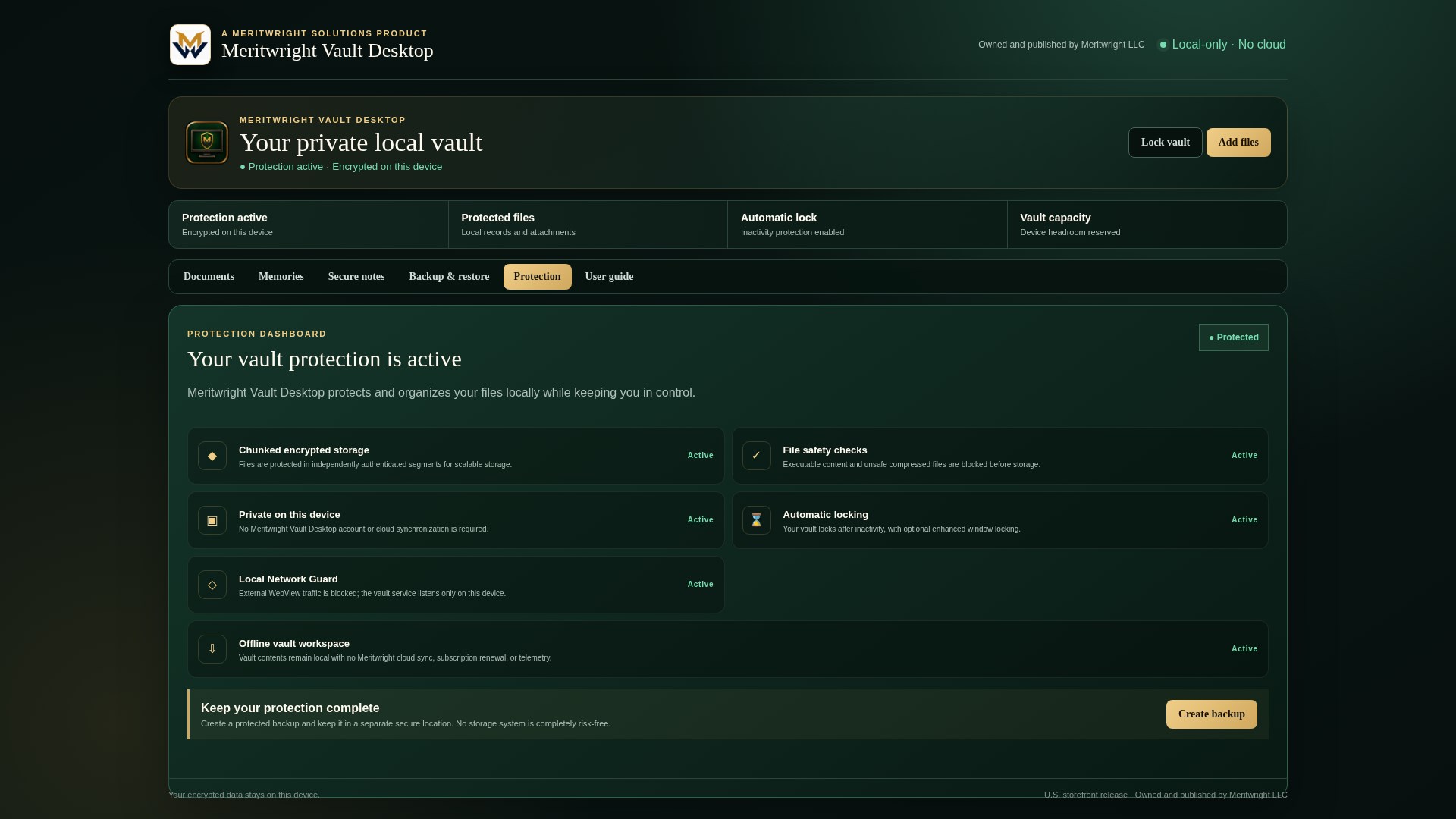
Supported files are checked and protected before they are added to the vault.
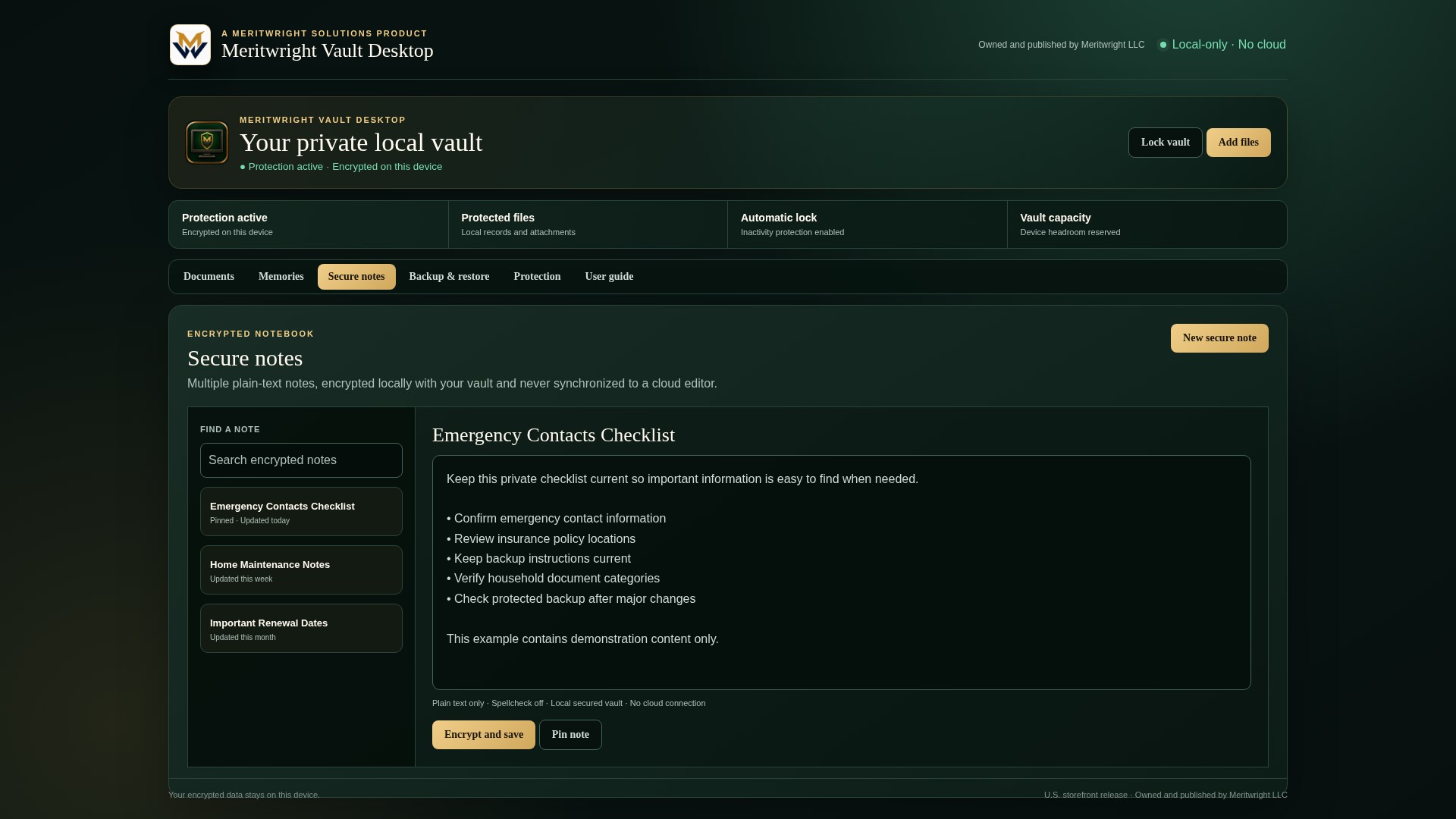
Search and browse by life area instead of digging through scattered folders, messages, and cloud drives. Vault Desktop adds focused organization alongside the storage and backup tools you already use.
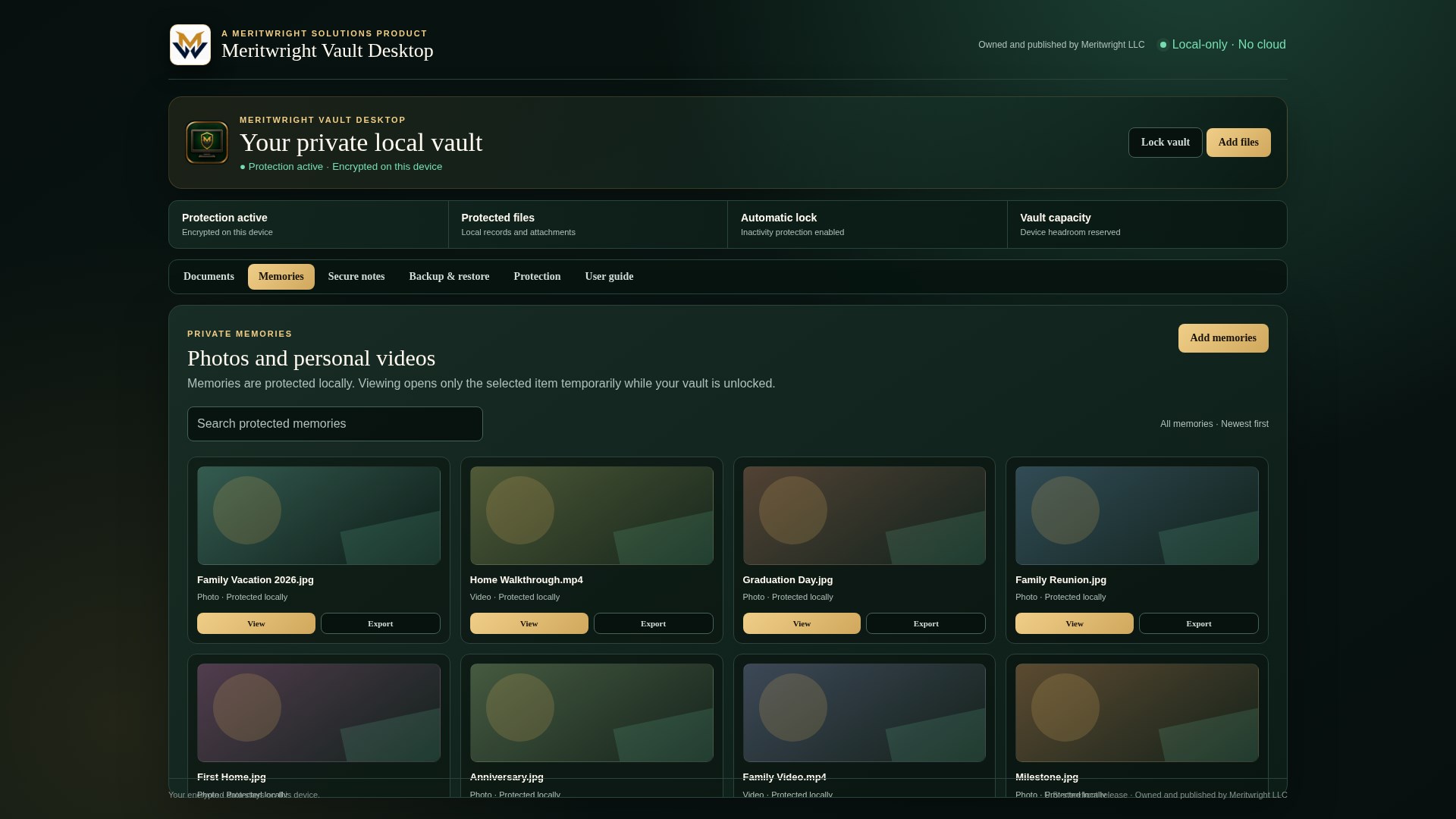
The Windows edition is available for $14.99 through the U.S. Microsoft Store. The macOS edition is available for the same $14.99 one-time price through the U.S. Mac App Store. Purchases are separate for each platform. Each store manages purchase and licensing under its account and device rules, with no Meritwright subscription or license server.
Private by design
The active vault is designed to remain on your computer without a Meritwright vault account, built-in cloud storage, advertising, or automatic syncing. When you export an encrypted backup package, you choose where it is saved. A cloud provider may upload that separate package automatically if you save it in a synchronized folder under your settings, or you may upload it yourself. Vault Desktop does not perform the cloud upload.
Backups and compatibility
Use compatible encrypted backups to move supported records and attachments between Vault Desktop for Windows and Vault Mobile for Android. This is a manual transfer, not cloud storage, automatic synchronization, or a transfer of your Store purchase. Features and fields differ by edition; do not assume every part of a desktop workspace transfers to mobile.
Android imports add records and attachments as new copies without replacing existing records. On iPhone and iPad, importing a compatible backup also preserves existing records and attachments; conflicting identifiers are imported as separate restored copies. Repeated imports can create duplicates. This is additive import, not automatic synchronization or duplicate removal.
Windows restoration replaces the destination vault's contents rather than merging with them. Back up that vault first. This differs from the additive imports in the Android, iPhone, and iPad implementations. Do not assume all editions restore in the same way.
Android exports use a separate backup passphrase. Windows exports use the vault passphrase in effect when the backup was created. A later passphrase change does not change an earlier backup. Keep a usable backup and its passphrase independently of the original device.
Reinstalling the app does not restore records kept only on the old device. A Store purchase restores access to the app, not your vault contents. Do not erase the original device or remove your only records until recovery is verified.
The Android-to-Windows guidance above does not establish backup compatibility with the macOS, iPhone, or iPad editions. Check the current in-app guidance before transferring. Compatible backups do not make every feature or field interchangeable.
Available on Microsoft Store and Mac App Store
Meritwright Vault Desktop for Windows is available through the U.S. Microsoft Store for a one-time $14.99 purchase. The macOS edition is available through the U.S. Mac App Store for the same $14.99 one-time price and requires macOS 14.0 or later. Select the official button for your platform to view its listing and purchase with your store account. Windows and macOS purchases are separate and do not transfer between stores. Each store manages purchase, download, licensing, account and device eligibility, redownloads, refunds, and updates for its platform. No separate Meritwright account or license server is required.
Purchases are completed through the official store listed for the product edition. Use your account with that store to purchase, install, or restore an available edition under its policies. Listings for unreleased editions remain disabled until release. Meritwright does not collect payment on this website.
One-time U.S. Store price per platform
Separate purchase per platform. No subscription.Keep personal photos and videos alongside your important records, and use the encrypted notebook for private reminders, important details, and personal plans. Automatic inactivity locking helps protect access when you step away.
Product questions
Contact Meritwright for product information, store availability, or release plans.
Contact Meritwright