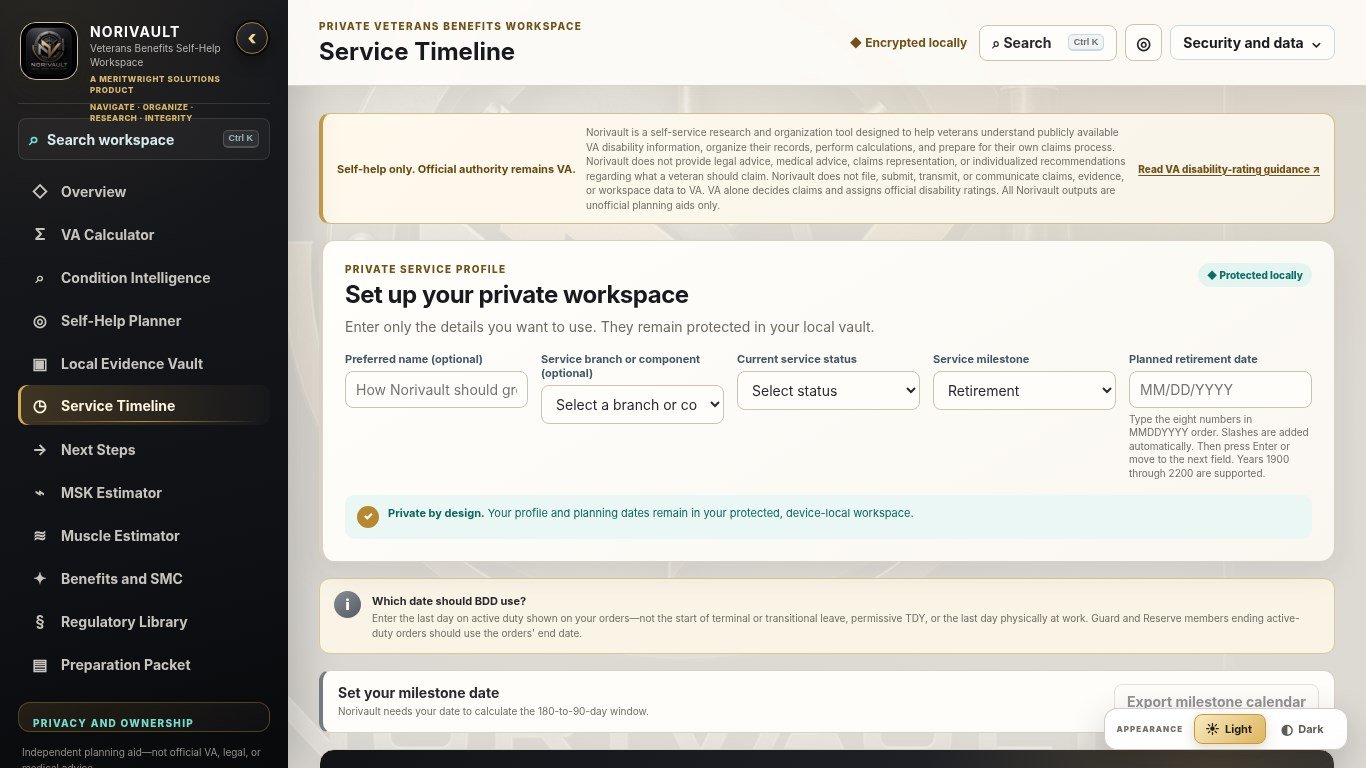
Start with your service story
Build a clear service timeline and follow a guided path, including support for Benefits Delivery at Discharge (BDD) preparation.

Available for Windows and macOS
Research VA disability information, organize your records, and prepare reference reports in one private desktop workspace.
Norivault is a private Veterans Benefits Self-Help Workspace designed for Windows and macOS. The Windows edition is available through the Microsoft Store; the macOS edition is available through the Mac App Store. Norivault helps veterans research publicly available VA disability information, organize records, see what may need attention, use planning calculators, and prepare for next steps. A separate Norivault Mobile research and planning app is available for Android on Google Play and for iPhone and iPad on the Apple App Store. Unlike Norivault Desktop, it does not import, upload, transmit, or store evidence files.
NORI stands for Navigate, Organize, Research, and Integrity.

One workspace
Your information
Your pace
Your control
A clearer path through complex information
Norivault brings the moving pieces together without deciding what you should claim or predicting what VA will decide.
Build a clear service timeline and follow a guided path, including support for Benefits Delivery at Discharge (BDD) preparation.
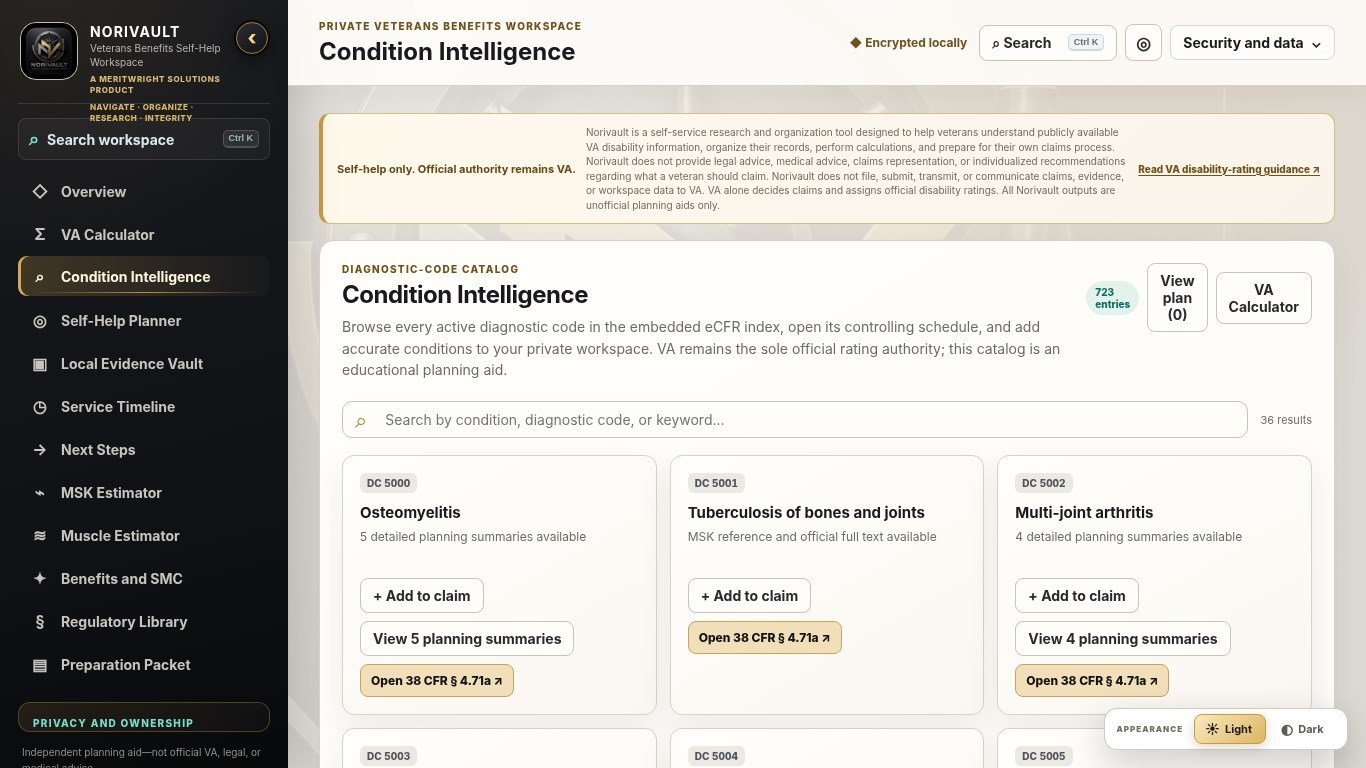
Review conditions, medical codes, plain-language summaries, rating criteria, and official sources in one place.
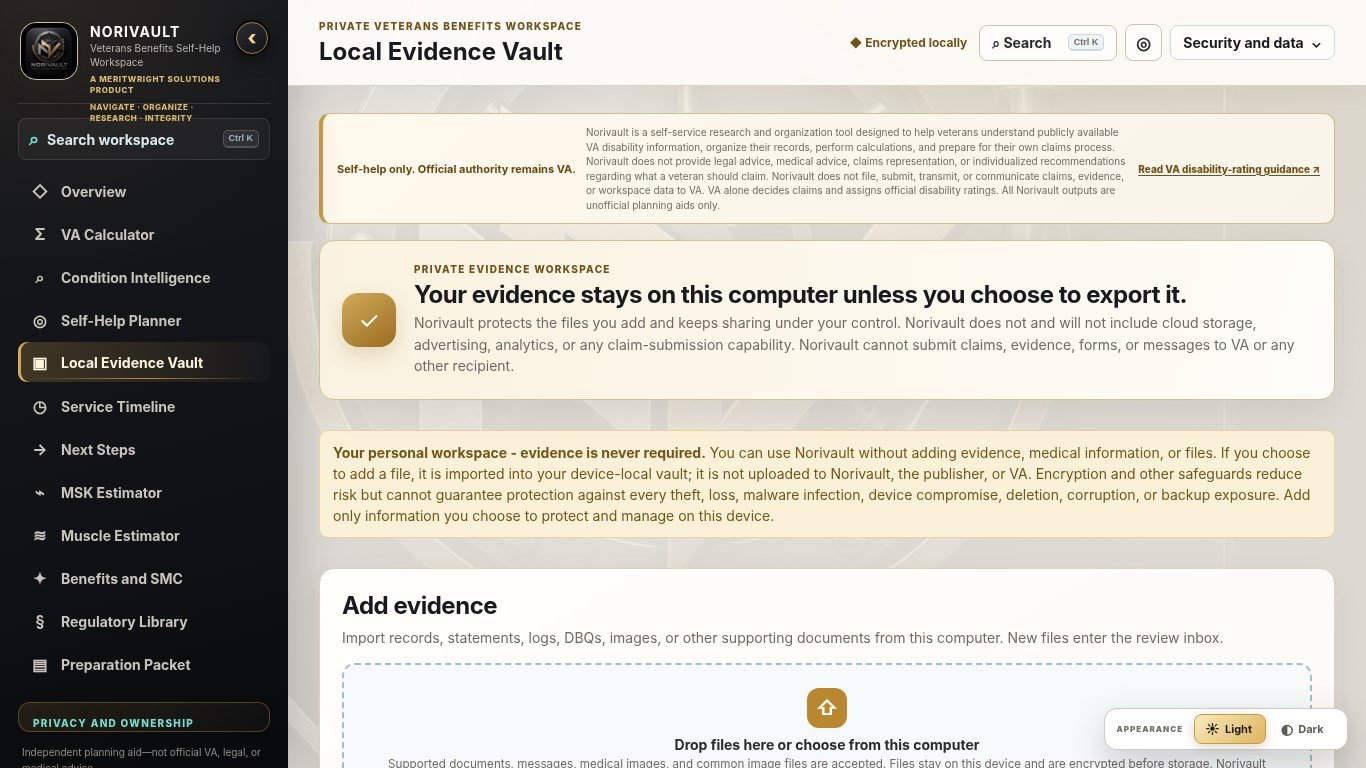
Connect one record to more than one condition without creating duplicate copies of the file.
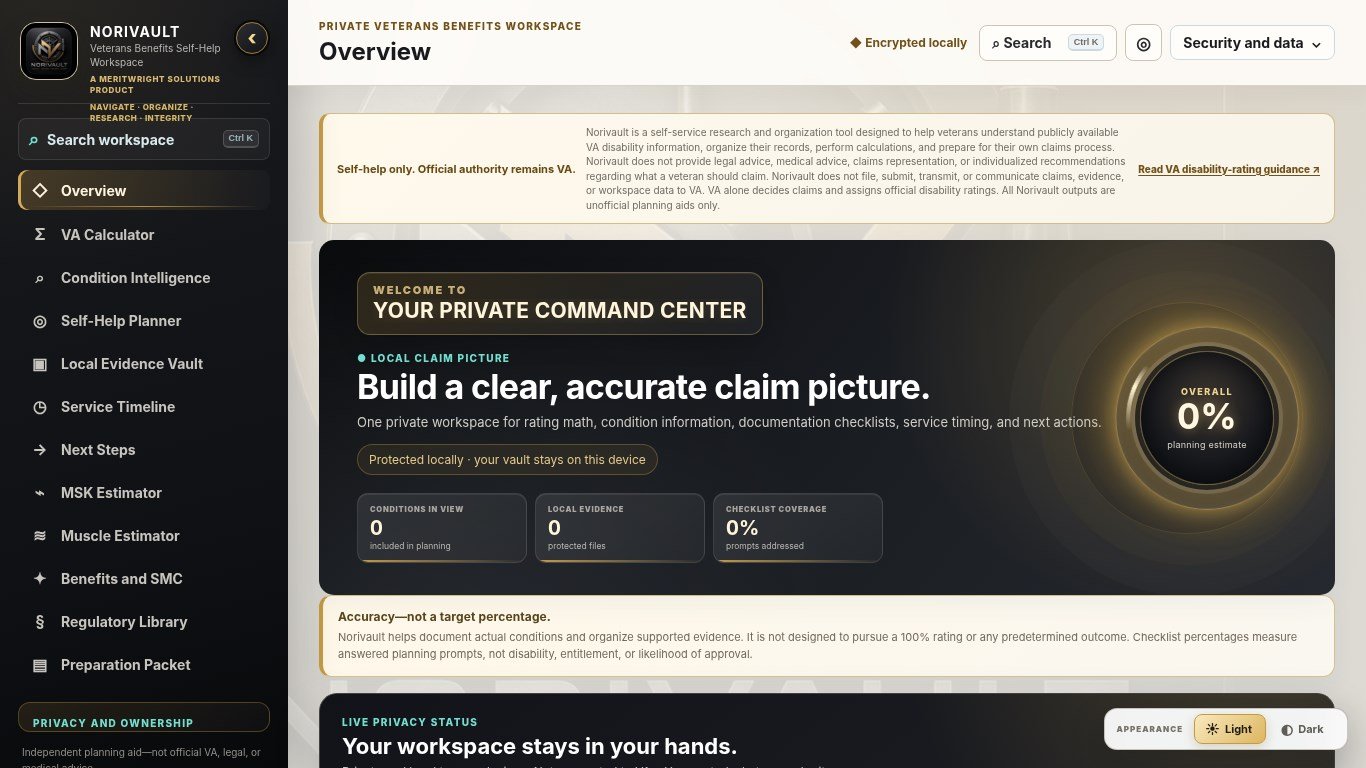
See what is present, what may need review, what is not yet represented in your workspace, and what does not apply.
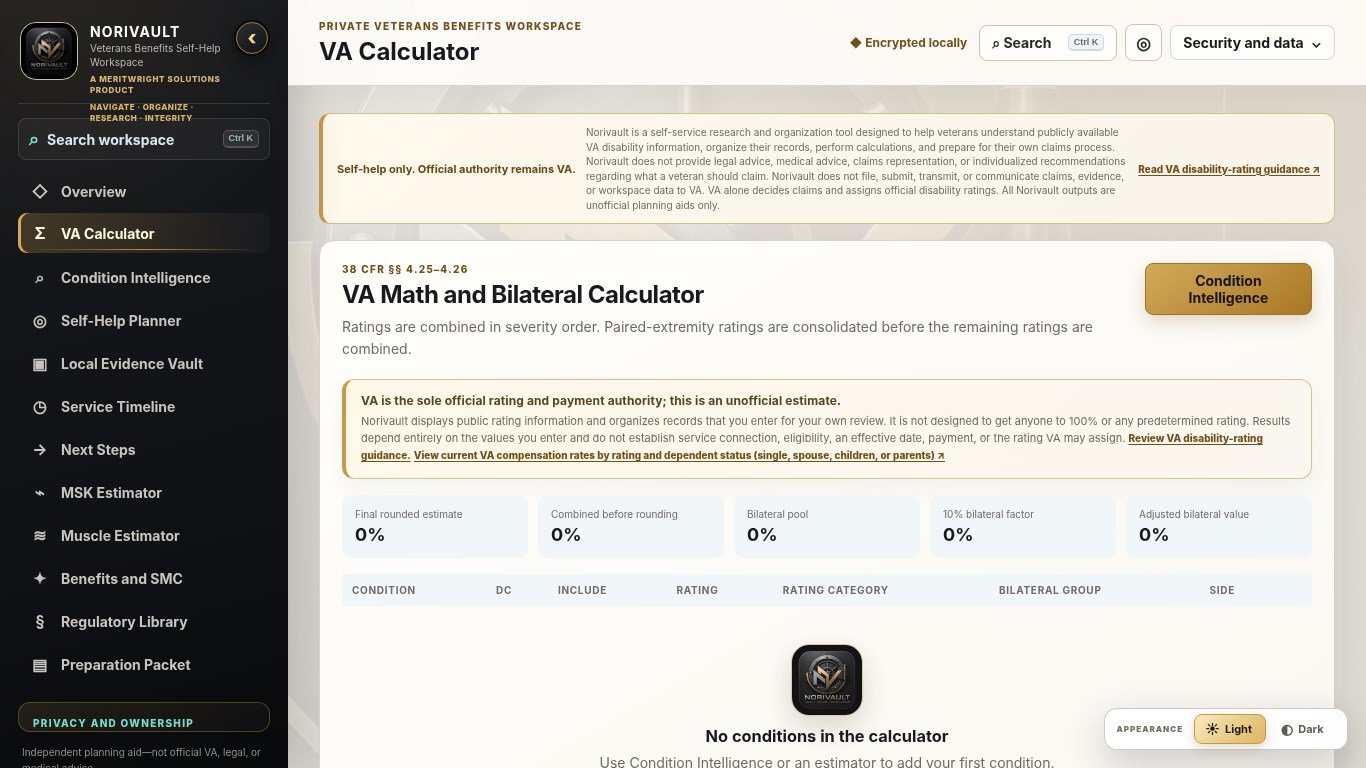
Use combined-rating and related planning tools with clear estimate labels and reminders that VA makes every official decision.
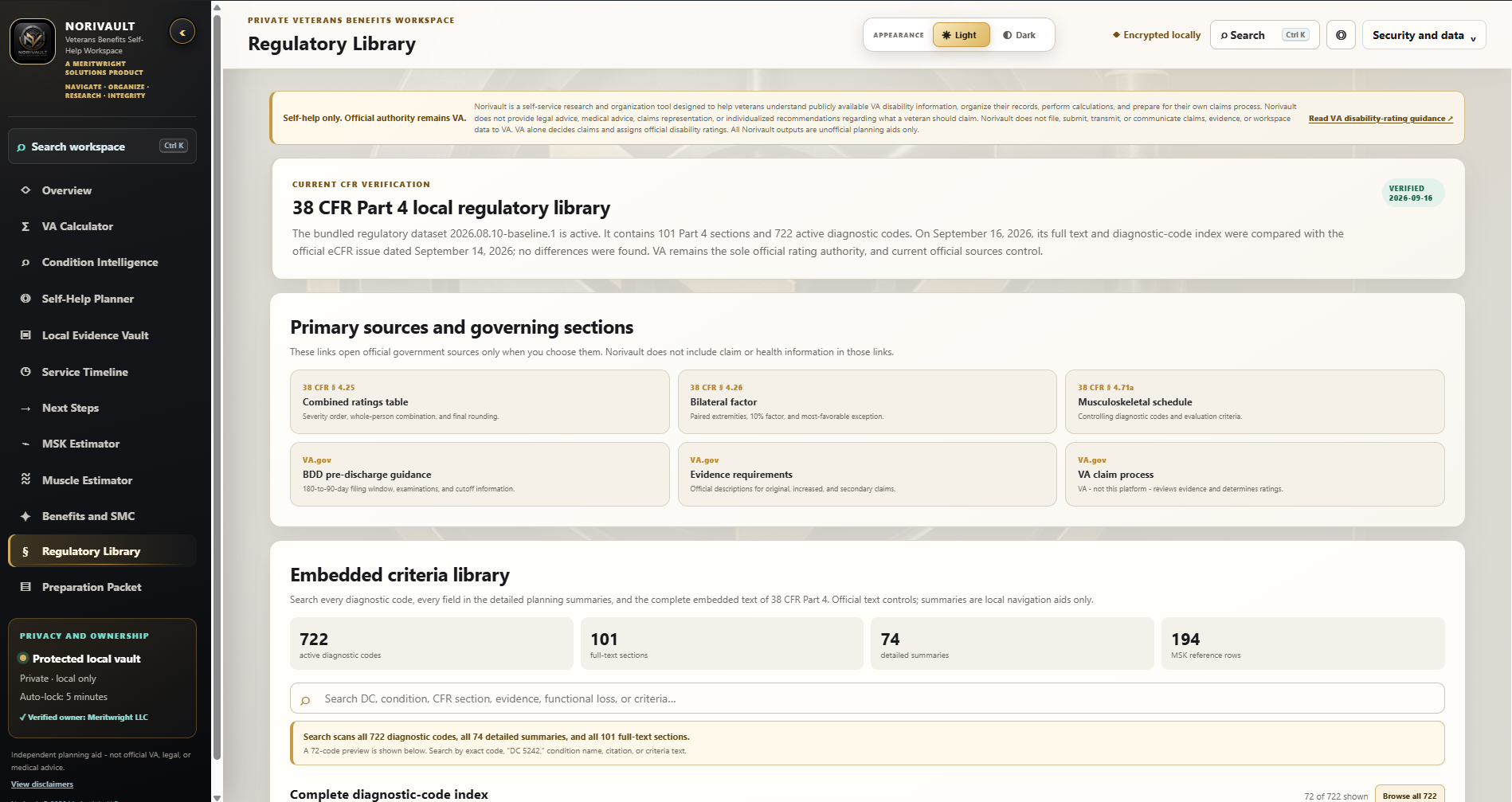
Browse the built-in 38 CFR Part 4 library and official source links as you research, then create organized reports for your own review.
Evidence Readiness
Norivault uses clear, consistent rules to show how your workspace is documented. It does not indicate whether a claim will be approved.
Connect a record to more than one condition, review items that may need your attention, and create a clear readiness report without automated claim scoring.
DocumentedAssociated information is represented
Partial / ReviewSome information is present for review
Not documented in workspaceThis does not mean the evidence does not exist
Not applicableThe category is not relevant here
Your personal workspace
Norivault is designed without cloud storage, advertising, activity tracking, remote record scanning, or claim submission. It does not send your vault content to VA.
Ordinary workspace use remains local-first. Your operating system or Store may connect to complete a purchase, restore access, or refresh entitlement, but Norivault never sends vault, evidence, health, medical, passphrase, report, backup, claim, or workspace content through Store licensing.
Available on the Mac App Store
Research public VA disability information, organize your records, and prepare reference reports in a private workspace on your Mac.
Norivault requires macOS 13.0 or later. Install the Mac edition through the Mac App Store and check its compatibility details for your computer. Apple manages purchases, installation, and available updates under your Store account and its policies. No separate Meritwright activation account is required.
Conditions, notes, and optional evidence are organized in a local encrypted vault. Ordinary workspace use stays on your Mac, without Meritwright cloud vault storage or automatic record submission to VA. Research and planning estimates remain unofficial; VA makes all official benefits decisions.
Export an encrypted backup to a destination you choose. A cloud-synced folder may upload that separate package under your provider's settings; Norivault does not control that transfer. Reinstalling the app does not restore your records. Keep a compatible backup and its passphrase, and verify the supported recovery process before moving to another Mac.
View the desktop backup and recovery checklistWindows and macOS are separate one-time purchases, each currently $19.99 in its U.S. Store. Ownership does not transfer between Microsoft Store and Mac App Store accounts. Purchasing an edition is separate from backing up or restoring your workspace.
View desktop pricing and Store links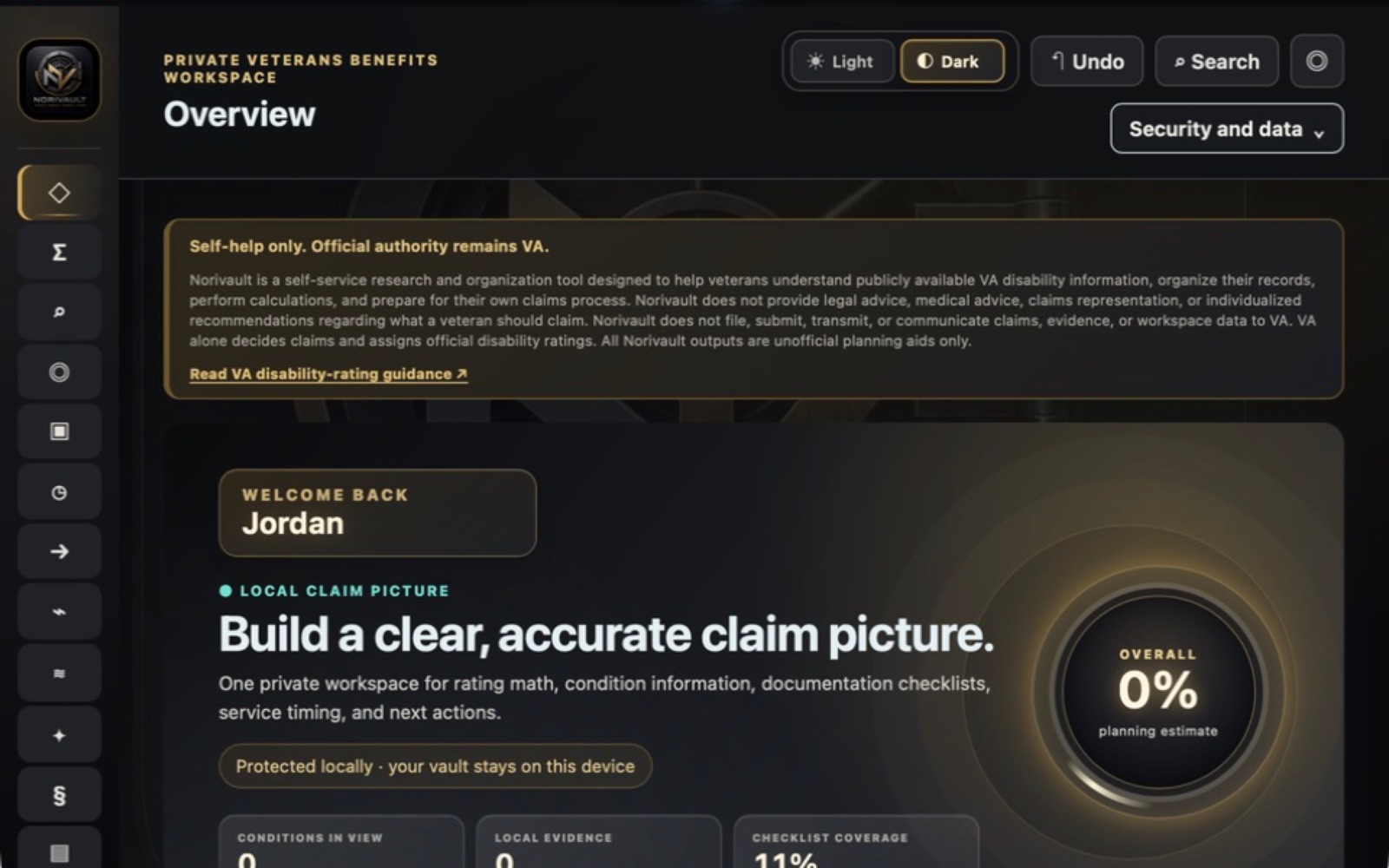
Microsoft Store and Mac App Store
The Windows edition is available through the U.S. Microsoft Store for a one-time price of $19.99, with no subscription or recurring software fee. The macOS edition is available through the U.S. Mac App Store for the same $19.99one-time price. Windows and macOS purchases are separate and do not transfer between stores. The Mac edition requires macOS 13.0 or later; check the official listing for compatibility with your Mac.
Future updates to the included CFR library and related reference content will be delivered through app updates and are included with your one-time purchase of that edition, at no additional charge.
One-time purchase. No subscription. Store-managed ownership. Access, installation, restoration, refunds, account use, and compatible-device availability are managed by the purchasing Store account and applicable Store policies. Norivault Mobile is a separate research and planning app available for Android on Google Play and for iPhone and iPad on the Apple App Store. It does not import, upload, transmit, or store evidence files. Storefront, pricing, features, and privacy information appear on its own product page. Google Play identifies Android device compatibility and regional availability. Use the Microsoft Store button for Windows or the Mac App Store button for macOS.
One-time U.S. Store price per platform
$19.99Research rating criteria and explore combined-rating planning estimates in one workspace, with a built-in 38 CFR Part 4 library and bilateral-factor support where applicable. Estimates are unofficial; VA makes the official decisions.
Store-managed ownership
Storefront purchases use the purchasing Store account and applicable Store policies. Norivault does not require a separate Meritwright activation account or license server for storefront purchases.
Microsoft Store manages the purchase and ownership for the Windows edition. The Mac App Store manages purchases and ownership for the macOS edition. Purchases do not transfer between stores.
Installation, restoration, refunds, account use, and compatible-device availability follow the purchasing Store account and its policies.
Use the official Microsoft Store link above to install the Windows edition, or the Mac App Store link to install the macOS edition and receive available updates. The feature screenshots and linked demo show the Windows edition. The Mac overview is labeled separately; platform presentation may differ.
Install available app updates through the Store for your edition to receive reference updates. The included library reflects your installed app version, not a live regulatory feed. Always verify current requirements with official VA and eCFR sources.
No. A Store may confirm or refresh entitlement, but Norivault does not send your vault, evidence, health, medical, passphrase, report, backup, claim, or workspace content through Store licensing.
This checklist applies to Norivault Desktop for Windows and macOS, not Norivault Mobile. Your Store purchase lets you reinstall the app; it is not a backup of your records.
Restoring a backup can replace local data. Read the app's confirmation before proceeding, and do not test recovery by overwriting your only working copy. If you are unsure how to test safely, contact support first. Reinstalling the app does not restore your records, and Meritwright does not keep a recovery copy of your vault or passphrase.
Read the desktop backup privacy detailsGet Norivault supportNorivault support
Norivault is available for Windows on the Microsoft Store and macOS on the Mac App Store. For product questions or help getting started, contact Meritwright Support.
Visit Norivault Support